Spreadu Article
Inside Spreadu: Easier Photo Placement in Spreadu
October 6, 2026
Moving photos around an album just got easier. Spreadu’s black placement line shows where a photo will fit before you drop it. Use it for three everyday changes: Hold the photo ove
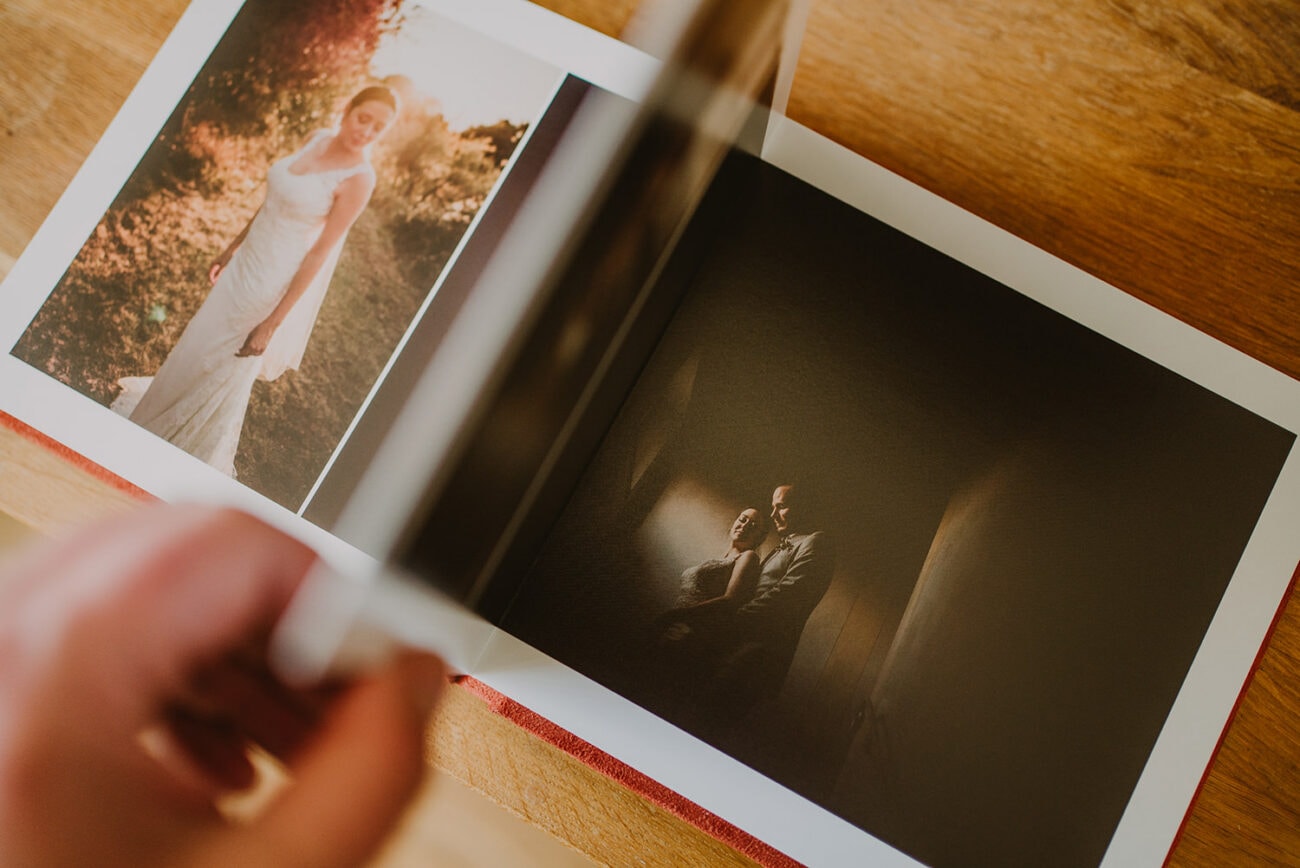
Moving photos around an album just got easier. Spreadu’s black placement line shows where a photo will fit before you drop it.
Use it for three everyday changes:
- Put two photos together. Drag towards the left or right edge of another image to place them beside each other.
- Add a photo between two images. Move it into the gap and use the line to check the insertion point.
- Place a photo underneath. Drag towards the lower edge of an image and watch for the line below it.
Hold the photo over your chosen spot for a moment to preview the new layout. When it looks right, let go. To try another position, move the photo further across the spread.
Small hand movements won’t keep switching the chosen spot, so you can look at the preview while you decide.
Use Undo if you prefer the previous arrangement.
A handy improvement for all those “just one more change” moments during the album rush.
You can pay per album, too—no subscription needed.
Open an album, move a photo, and try it for yourself