

Spreadu Article
November 9, 2026
Explore DreambooksPro albums, cover options and replica books, and learn how to design for the lab in Spreadu.
A favourite photograph deserves more than a folder on a hard drive. DreambooksPro creates albums and photo products for professional photographers, with plenty of ways to make each book feel right for the story inside.
The brand has been making products for photographers since 2001. Its range covers wedding, family and boudoir photography, so there are options for a big celebration as well as a smaller studio session.
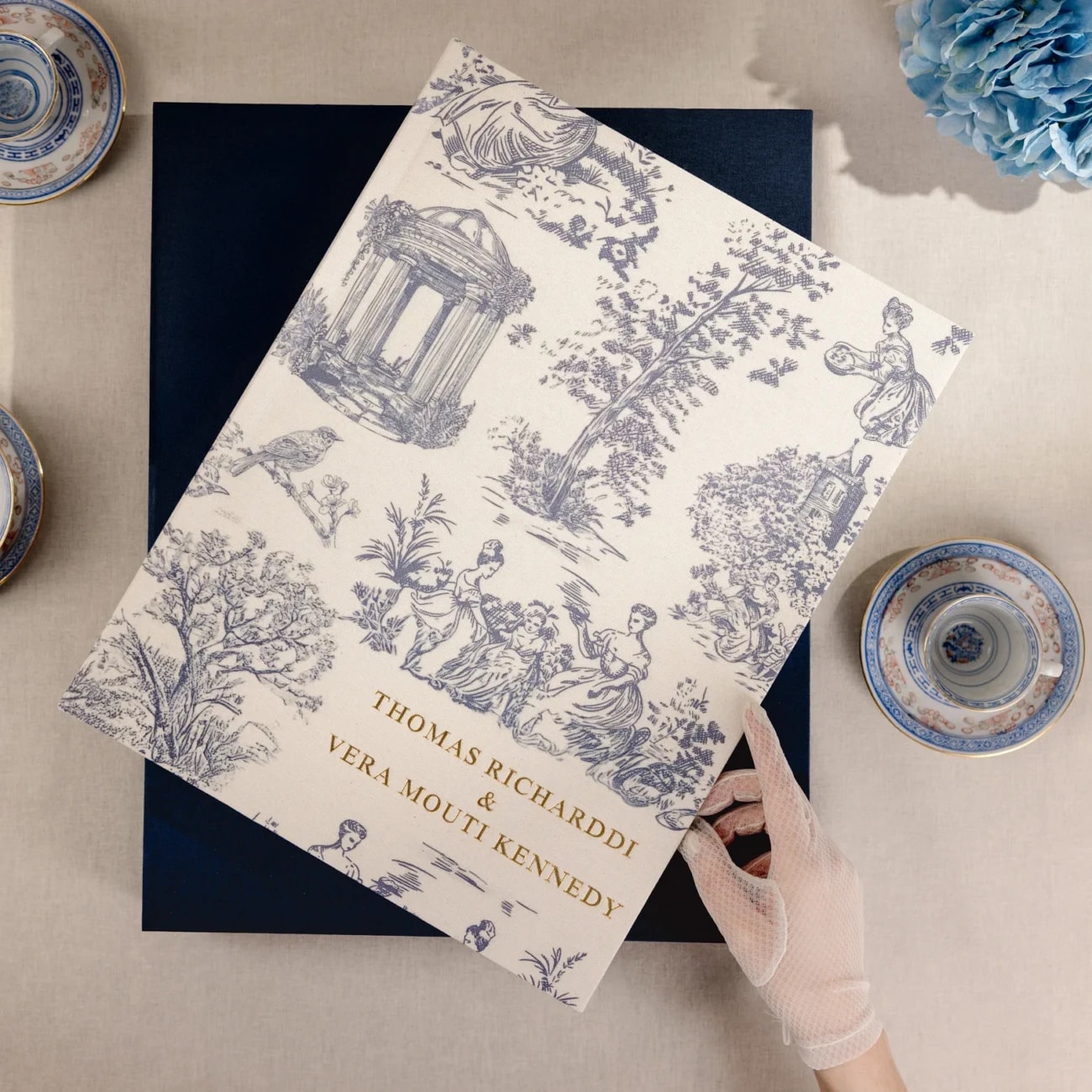
A cover is often the first thing a client notices. DreambooksPro offers a range of collections and finishes, from the leather-like feel of the Premium collection to the simple buckram cover of the Studio Book. The Premium collection also has different cover designs and personalisation options.
When showing clients their choices, start with a couple of finishes that suit your photography. Let them see and touch the samples, then help them choose a colour and cover design that feels like theirs.


The Premium collection comes in square, portrait and landscape formats, giving you room to choose a shape that works with your images. Its paper options include photographic and FineArt papers, with choices depending on the product.
A paper sample can make the decision much easier. Show clients how their photographs look and feel in print, and check the available finishes for the album you have chosen before placing the order.

DreambooksPro also offers smaller replica albums, made as copies of the main book. They are an easy addition to a wedding package when parents or grandparents would love an album of their own.
For a shorter portrait session, the small-format Studio Book is another option. Its buckram cover comes in different colours, with or without a button and string closure.

You can design DreambooksPro albums in Spreadu, arrange your photographs and share the design with your client for feedback. Select the DreambooksPro option and the size that matches your order, then export the finished spreads for the lab's ordering process.
Before ordering, check the product, size and available finishing options with DreambooksPro. Then you can send your client a clear recommendation and make the finished album feel like a natural part of the experience.