Spreadu Article
Inside Spreadu: Why Drag and Drop Changes Album Design
June 1, 2026
Album design should start with the images Drag and drop sounds like such a simple thing that it almost feels strange to make a big deal about it, but for album design it changes mo
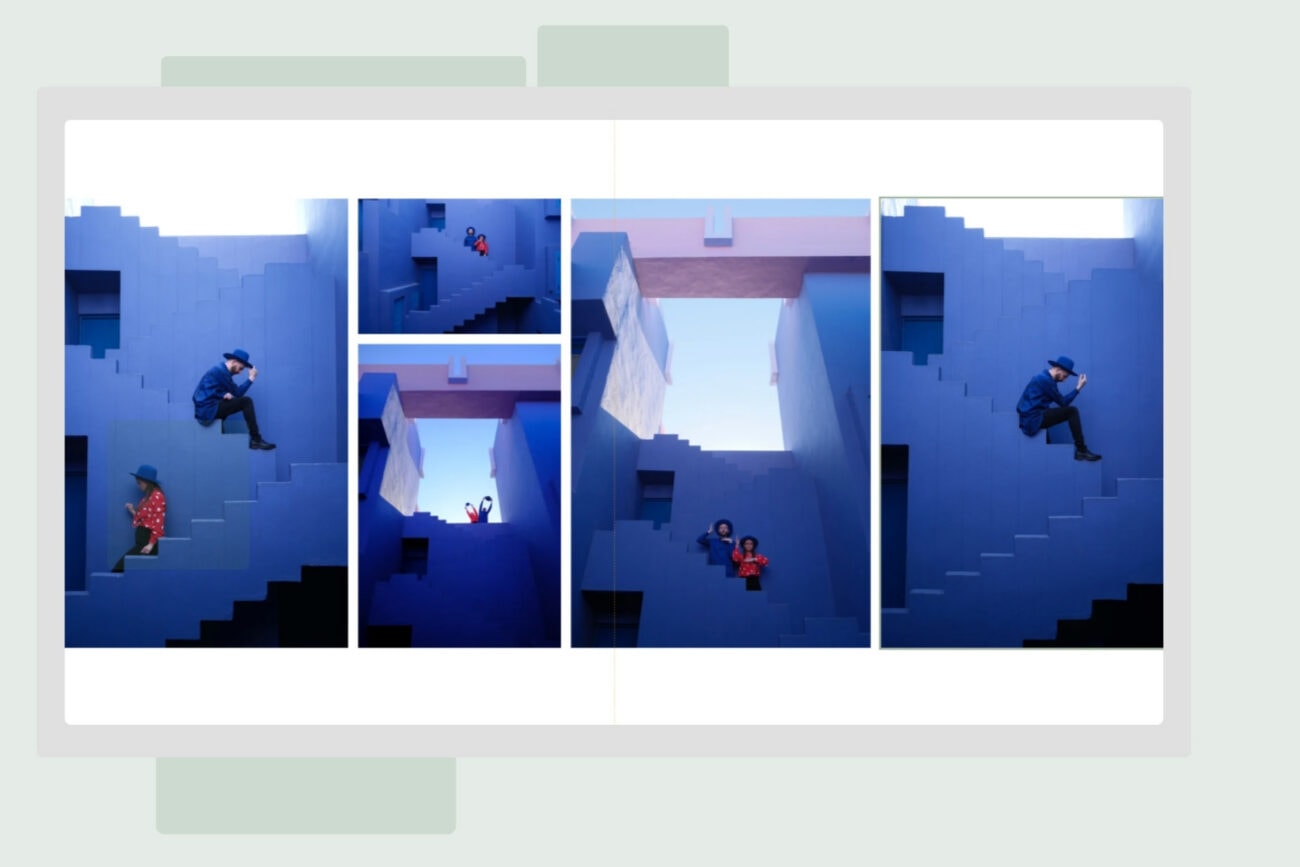
Album design should start with the images
Drag and drop sounds like such a simple thing that it almost feels strange to make a big deal about it, but for album design it changes more than you might think.
Most photographers think visually. You look at a set of images and start feeling what belongs together, which photo needs space, which sequence should move quickly, and which moment deserves to sit on its own for a bit. That is how stories are built. You see, you move, you adjust, you change your mind, and eventually the spread starts to feel right.
Traditional album software has often worked the other way around. You choose a template first, then try to convince your images to behave nicely inside it. Sometimes that works perfectly well. Other times it feels like trying to make a very emotional story sit politely in six little boxes while the software quietly judges your life choices.
With Spreadu, we wanted the process to feel more natural. Start with the images, place them on the spread, and let the design grow from there.
How drag and drop works in Spreadu
In Spreadu, you can take selected photos and drag them straight onto the spread. You can add one image, add several, move them around, adjust the layout, change the spacing, refine the crop, and keep going without feeling locked into one fixed structure.
The important part is that the spread starts to build around the photographs, instead of the photographs being forced into whatever layout happened to be available first.
That makes the first version of an album much quicker to create. You do not need to spend ages searching for the perfect template before you begin. You can simply start placing images, see what works, tweak what does not, and keep moving through the album without turning every spread into a tiny design emergency.
It feels more like arranging a story and less like filling in a form, which is exactly the point.
Fast, but still yours
Speed is a big part of Spreadu, but we never wanted speed to mean generic. A fully automatic album might be quick, but if every design starts looking the same, that is not much of a win. Photographers still want control over rhythm, space, composition, and the general feeling of the album.
Drag and drop gives you a more useful kind of speed. It helps you move faster, but you are still making the decisions. You can build quickly, adjust easily, and keep the album feeling like your work rather than something the software produced while you looked away for a second.
That is really the philosophy behind Spreadu. The software should help you design, not take over the design. It should remove the slow, annoying parts of album work while leaving the creative decisions in your hands.
Drag and drop may sound simple, but that is exactly why it works. Album design should feel obvious, visual, and easy to start.