Spreadu Article
Inside Spreadu: Swap Left and Right Pages in One Click
June 25, 2026
Sometimes album design is not about starting again. It is about one tiny change that makes the whole spread feel better. That is exactly why we added a new page swap button in Spre
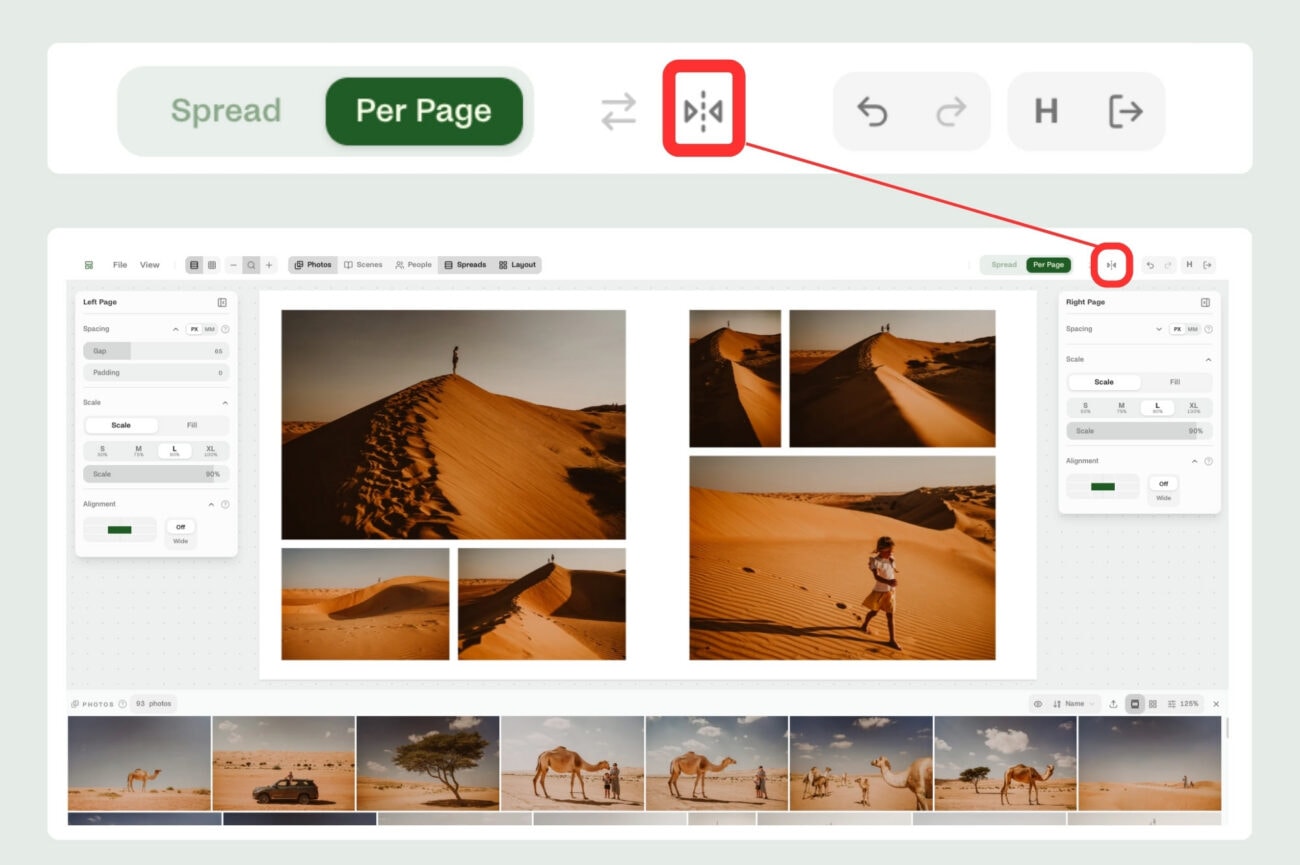
Sometimes album design is not about starting again. It is about one tiny change that makes the whole spread feel better.
That is exactly why we added a new page swap button in Spreadu.
If you have a spread where the left and right sides would simply work better the other way around, you no longer need to move everything manually. Just click the swap button, and Spreadu switches the layouts between the left and right side of the spread.
The left page becomes the right page.
The right page becomes the left page.
Much less dragging things around. Much less rebuilding. Much less staring at the screen thinking, “This would look better flipped, but do I really want to move all of that?”
It is a small feature, but a very useful one. Album design is full of these tiny decisions, and the easier they are to try, the faster you can find the version that feels right.